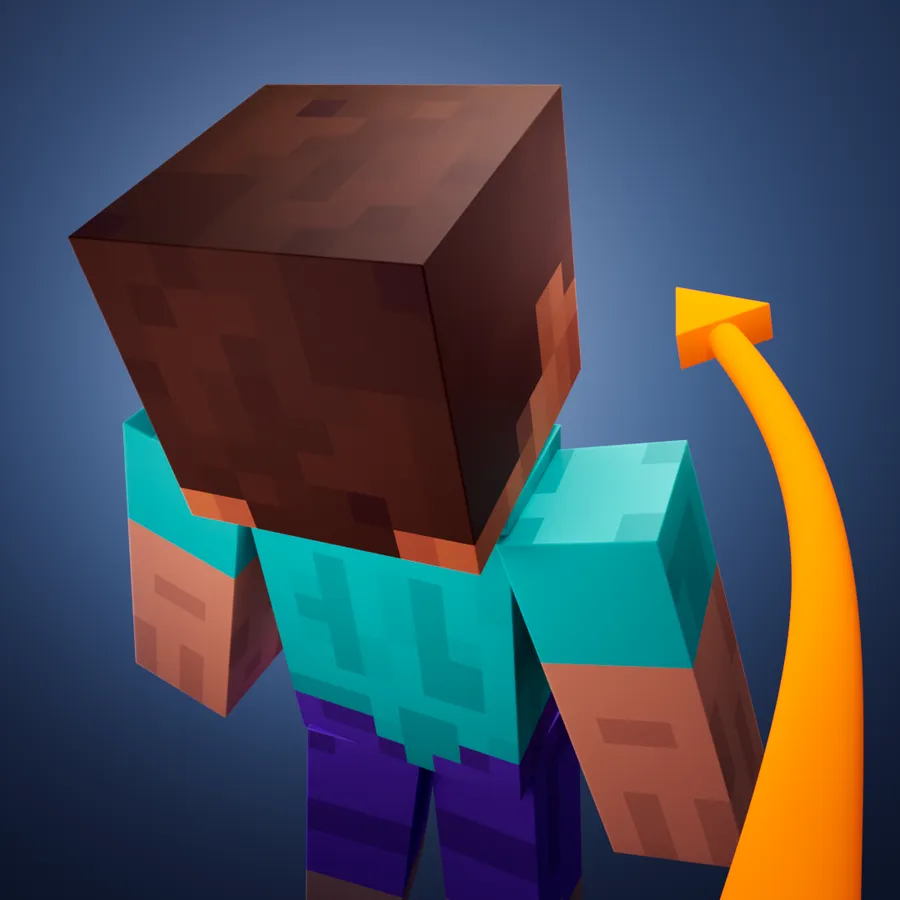
ShoulderSurfing
Shoulder Surfing Reloaded is a highly configurable third person camera mod for minecraft.
Features
- Over-the-shoulder camera - see what you are interacting with in 3rd person
- Decoupled camera - walk left and right without turning your mouse
- Free look (default: "left alt") - keep walking in a direction while looking in a different one
- Hotkeys to move the camera (default: "arrow keys", "page up" and "page down", "o" to switch shoulders)
- Corrective cross-hair positioning when using adaptive or dynamic crosshair
- Adaptive player transparency - fades the player model to transparent when view is obstructed
- Highly configurable - customize your 3rd person experience with many configuration options
- Client side only - no server mods required
Please note that this mod modifies the camera position and player movement, which can be an issue for servers with strict anti-cheat. Use at your own risk!
Installation
Forge
Prerequisites
- Make sure Minecraft Forge is installed
- Make sure Forge Config API Port is installed [≥ 1.21]
Manual
- Navigate to ".minecraft/mods"
- Move "ShoulderSurfing-Forge-[VERSION].jar" into the folder
- Follow the steps below
Launcher Settings
- Select Forge as your profile
- Launch Minecraft
- Join a world or server
- Use "arrow keys", "page up" and "page down" to adjust the perspective, "o" to switch shoulders
Fabric
Prerequisites
- Make sure Fabric is installed
- Make sure Fabric API is installed
- Make sure Forge Config API Port is installed
Manual
- Navigate to ".minecraft\mods"
- Move "ShoulderSurfing-Fabric-[VERSION].jar" into the folder
- Follow the steps below
Launcher Settings
- Select Fabric as your profile
- Launch Minecraft
- Join a world or server
- Use "arrow keys", "page up" and "page down" to adjust the perspective, "o" to switch shoulders
NeoForge
Prerequisites
- Make sure NeoForge is installed
- Make sure Forge Config API Port is installed [≤ 1.20.6]
Manual
- Navigate to ".minecraft/mods"
- Move "ShoulderSurfing-NeoForge-[VERSION].jar" into the folder
- Follow the steps below
Launcher Settings
- Select NeoForge as your profile
- Launch Minecraft
- Join a world or server
- Use "arrow keys", "page up" and "page down" to adjust the perspective, "o" to switch shoulders
Configuration
Version 3.0.0 and later
- ≥ 1.21: Ingame: Mods -> ShoulderSurfing -> Config (Manual: Edit "..\.minecraft\config\shouldersurfing-client.cfg")
- ≤ 1.20: Install Forge Config Screens (Manual: Edit "..\.minecraft\config\shouldersurfing-client.toml")
Version 2.9.7 and older
- ≥ 1.13: Manual: Edit "..\.minecraft\config\shouldersurfing.toml"
- ≤ 1.12: Ingame: Mods -> ShoulderSurfing -> Config (Manual: Edit "..\.minecraft\config\shouldersurfing.cfg")
FAQ
Q: Why is the player not looking at the position of the crosshair when holding item x?
A: This needs to be configured using the config options "adaptive_crosshair_hold_items" or "adaptive_crosshair_use_items".
Q: Why is the player not rendered correctly when using shader pack x?
A: This is caused by player transparency effects of Shoulder Surfing Reloaded. Either disable them in the config ("adjust_player_transparency") and restart your game or report this to the authors of the shader pack.
Q: Can you port feature x to version y?
A: No.
Q: Can you port feature x to version y?
A: No.
Q: Can you port this to quilt, liteloader, rift, etc.?
A: No.
Q: Can I add this to my modpack ?
A: Yes.
License
MIT License, Original project by Sabar: Minecraft Forum, GitHub
本站是资源分享站,资源均来自于互联网和用户自发分享,仅供学习和交流使用。如有版权问题,请联系管理员删除。
操作
创作者
待认领资源
成为此资源的创作者
其他链接
最近更新资源
神秘启旅 ~ Thaum Journey
热度 2460 | 3 天前更新
愚者 - The Fool
热度 81423 | 3 天前更新
咒术回战(咒术战斗) - Jujutsu Kaisen (Sorcery Fight)
热度 2802 | 4 天前更新
诡厄使徒:诸神黄昏
热度 167 | 4 天前更新
终焉决斗NW
热度 257 | 4 天前更新
Minecraft-摄影奇境
热度 330 | 5 天前更新
无限遗产II - Infinity Legacy II
热度 3727 | 5 天前更新
机械动力:黄铜协奏曲
热度 4214 | 5 天前更新
ATM10:空岛 - All the Mods 10: To the Sky
热度 259 | 1 周前更新
魔女之旅
热度 1145 | 1 周前更新
石头世界4 FTB StoneBlock 4
热度 4266 | 1 周前更新
通天之路
热度 1822 | 1 周前更新
评论区 (0)
登录 后才能发表评论
快来发表第一条评论吧!