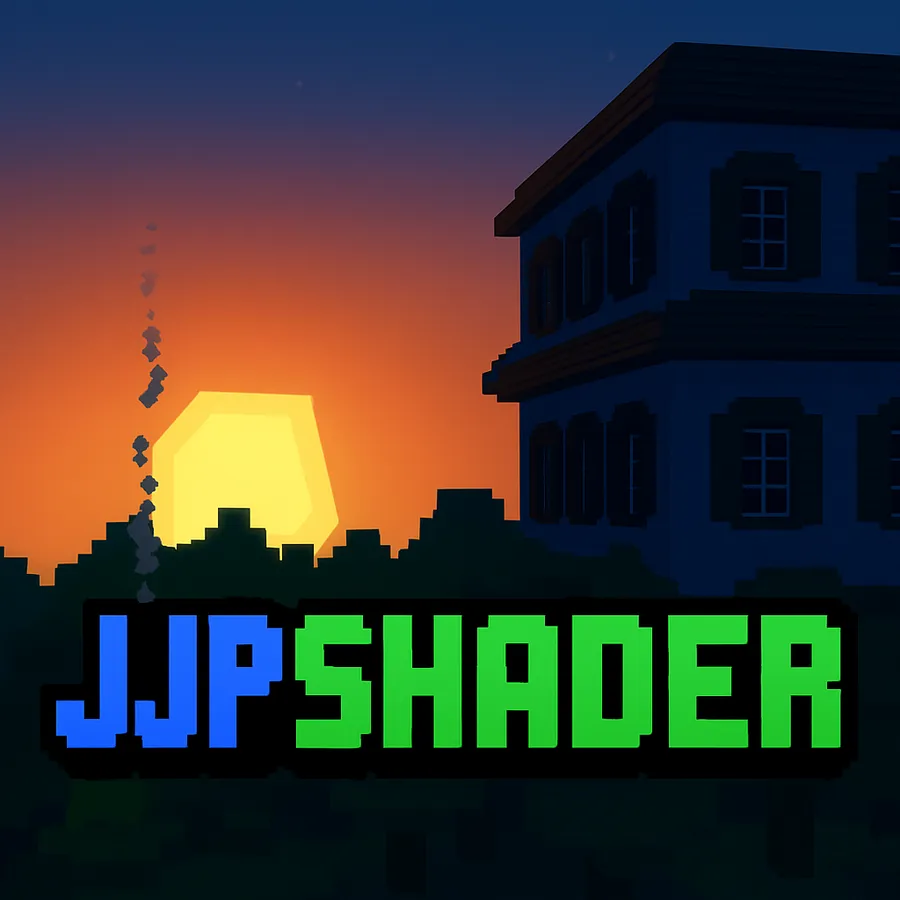
JJP光影 是一款适用于 《我的世界》Java版 的光影,它在保持经典原版风格的同时,改变了游戏的视觉体验。受 基岩版鲜艳视觉效果 的启发,这款光影添加了柔和阴影、动态光照、环境雾,以及对天空、水和诸如火把与岩浆等光源的色彩增强,且所有这些都不会牺牲性能。
JJP光影的突出之处在于其高度优化,仅4GB内存的电脑也能流畅运行,对于中低端电脑用户而言是绝佳选择。此外,这只是它的首次发布,就已经包含了多种适应不同类型硬件的选项。
下载文件包含三种预设配置:低、中、高,所有配置都经过设计,可稳定且无差错地运行。还包含一个基于鲜艳视觉效果的推荐配置,让你能按视觉预期享受这款光影。
JJP光影仅适用于OptiFine,确保支持许多高级视觉特性。此外,可下载的包中包含几个互补的材质包,进一步提升视觉体验,这些材质包旨在与光影无缝融合。
简而言之,JJP光影是《我的世界》Java版玩家的完美选择,他们寻求一种时尚、轻量且高度可定制的视觉增强,它受基岩版风格启发,但针对任何类型的电脑进行了优化。
以下是该光影推荐设置下的一段视频和几张图片:
JJPshaders is a shader for Minecraft Java Edition that transforms the game's visual experience while maintaining the classic vanilla style. Inspired by the Vibrant Visuals of the Bedrock Edition, this shader adds soft shadows, dynamic lighting, ambient fog, and color enhancements to the sky, water, and light sources like torches and lava, all without sacrificing performance.
What makes JJPshaders stand out is its high optimization, allowing it to run smoothly on PCs with only 4 GB of RAM, making it an excellent choice for those with low- to mid-range computers. Furthermore, this is only its first release, and it already includes several options to adapt to different types of hardware.
The download file contains three preset configurations: Low, Medium, and High, all designed to run stable and error-free. Also included is a recommended configuration based on Vibrant Visuals, allowing you to enjoy the shader as it was visually intended.
JJPshaders is exclusive to OptiFine, ensuring support for many advanced visual features. Additionally, the downloadable package includes several complementary texture packs that further enhance the visual experience, designed to integrate seamlessly with the shader.
In short, JJPshaders is the perfect choice for Minecraft Java players looking for a stylish, lightweight, and highly customizable visual enhancement, inspired by the Bedrock style but optimized for any type of PC.
Below is a video and several images of the shader with its recommended settings:
本站是资源分享站,资源均来自于互联网和用户自发分享,仅供学习和交流使用。如有版权问题,请联系管理员删除。
操作
创作者
待认领资源
成为此资源的创作者
其他链接
最近更新资源
神秘启旅 ~ Thaum Journey
热度 2509 | 6 天前更新
愚者 - The Fool
热度 81802 | 6 天前更新
咒术回战(咒术战斗) - Jujutsu Kaisen (Sorcery Fight)
热度 2846 | 1 周前更新
诡厄使徒:诸神黄昏
热度 218 | 1 周前更新
终焉决斗NW
热度 489 | 1 周前更新
Minecraft-摄影奇境
热度 411 | 1 周前更新
无限遗产II - Infinity Legacy II
热度 3786 | 1 周前更新
机械动力:黄铜协奏曲
热度 4283 | 1 周前更新
ATM10:空岛 - All the Mods 10: To the Sky
热度 360 | 1 周前更新
魔女之旅
热度 1233 | 1 周前更新
石头世界4 FTB StoneBlock 4
热度 4310 | 1 周前更新
通天之路
热度 2007 | 1 周前更新
评论区 (0)
登录 后才能发表评论
快来发表第一条评论吧!